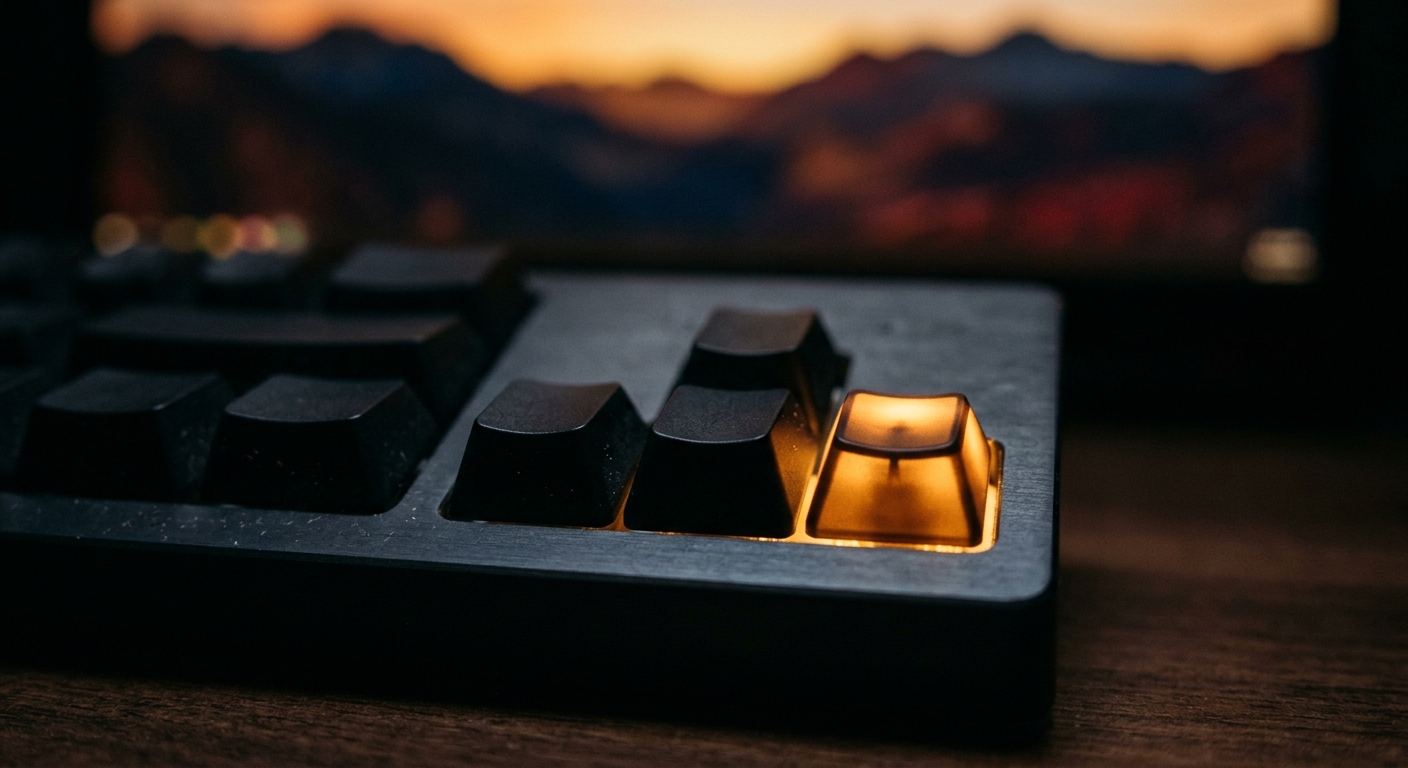
Redinfinite was built to be swiped with a thumb, and on a phone that’s still the best way to use it. But a lot of my scrolling happens on a laptop, and there the keyboard is faster than any mouse. I built a small set of shortcuts into the swipe view because I wanted them myself. These are the ones I actually use every day.
Moving Through the Feed
Right arrow (or L): next post. This is the one I use most. One key, no reaching for the trackpad.
Left arrow (or J): go back. For the post that went by a little too fast.
Down arrow: also next. If your hand naturally rests on the arrow keys, down works the same as right.
The L and J pair is there for anyone who’d rather keep their fingers on the home row while they scroll.
Saving and Keeping
S (or Enter): save the post. It goes straight into your saved posts, the same as swiping right on a phone. Enter is there because it’s the key your finger is already near when something catches your eye.
D: download. Saves the current image or video to your device. This is the one I didn’t know I’d use until I had it.
Controlling the Pace
Space: pause or resume autoplay. The swipe view moves on by itself after a few seconds. When something deserves a longer look, Space stops the timer, and pressing it again picks back up where you left off.
Getting Out
Esc (or Q): leave the view. From the swipe deck it takes you home. From saved posts or Multihub it goes back to where you came from. Q is there for the same reason as L and J: it’s close to where your hand already is.
On the home page there’s one more: type a subreddit and press Enter to jump straight in.
The Three Worth Learning First
If you only learn three, make them these:
- Right arrow to move on
- S to save
- Space to stop and actually look
Those three cover most of a session. Everything else is a nice extra once they’re muscle memory.
The Bottom Line
The point of Redinfinite is to get out of the way of the content. On a phone that means swiping. On a laptop it means a few keys under your fingers and nothing to click. Pick a subreddit, put your hand on the arrows, and go.